
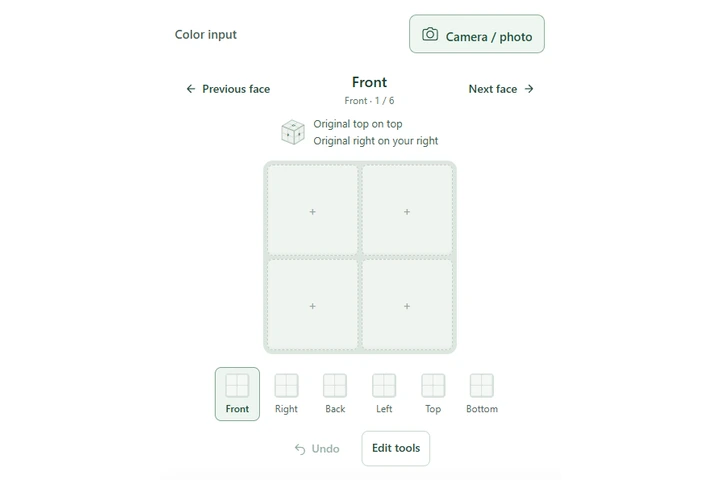
 Match the holding picture → fill the face
01
Enter the colors
Choose a color and copy the squares on your cube. You can use a photo, too.
FREE TO USE · NO SIGN-UP
Enter 24 colors. Follow each turn in 3D.
INTERACTIVE CUBE
Pick a color, then tap the cube. Drag to see another face.
Both editors stay in sync. Choose a consistent front and top.
Three steps. Keep your cube beside you and take your time.
Match the holding picture → fill the face01
Choose a color and copy the squares on your cube. You can use a photo, too.
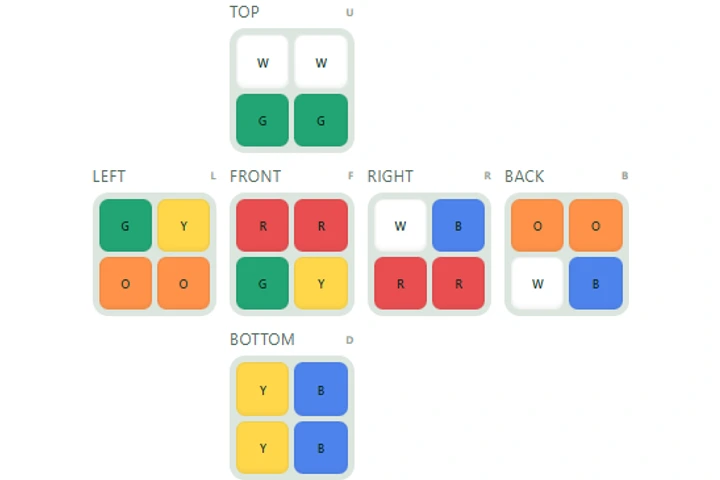 4 of each color
02
Finish all six faces, then choose Solve my cube.
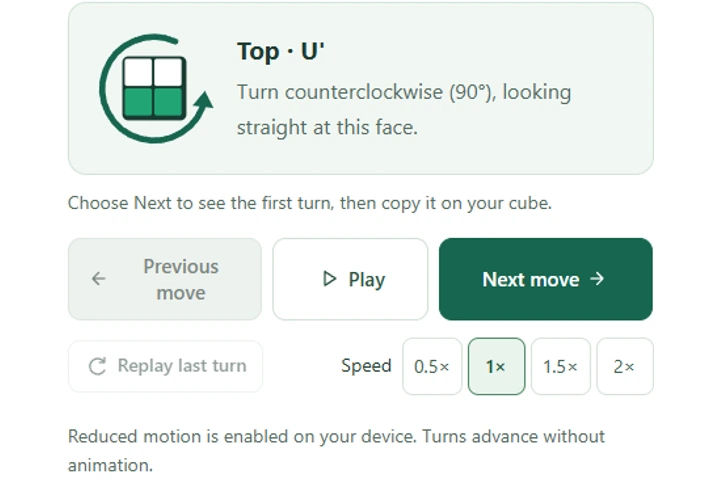 Watch → turn your cube → Next
03
Watch a turn, copy it on your cube, then move to the next step.
No. A 2×2 has no centers. Enter all 24 stickers, using the same physical orientation as you move between faces.
Yes, for a valid standard 2×2. A 180° turn counts as one move, and the solved cube may finish in a different overall orientation.
No. A 4×4 requires center and edge handling that this solver does not implement. Use this page only for standard 2×2 pocket cubes.
Yes. Choose a palette color and left-click a sticker. Right-drag to see another face, or drag with one finger on a phone. Your edits also appear in the flat grid; Undo works for both views.
Yes, with a four-square grid. Take or upload one face, adjust the four corner handles if needed, then check the suggested colors. A 2×2 has no centers, so keep track of your original front and top. Repeat for each face.